01
All-aboard countdown
Set official all-aboard once, in ship time. A large countdown stays on screen so you can check it without unlocking a puzzle.
 AboardAlert
Get the app →
AboardAlert
Get the app →

Cruise port daysOfflineNo ads
Get back before the ship leaves.
Even when your phone changes time zones.
Set all-aboard in ship time. The countdown and alerts stay on that clock — not the port’s, not whatever country your phone just joined. Works in airplane mode. No ads. No account.


iPhone or Android — pick your store. Not sure? We’ll detect your phone →
Launch news: App Store launch, August 31, 2026 · Google Play launch, April 13, 2026
See how it works01 — The clock
You are in port. The ship runs one time. The town runs another. Your phone quietly switches to the new country.
A normal alarm follows the phone. “Be back at 4:30 ship time” fires early or late. That is how port-day panic starts — not because you cannot read a clock, but because three clocks are lying to each other.
AboardAlert treats all-aboard as a fixed moment on the ship’s clock. Change countries. Turn on airplane mode. The alert does not move.

02 — The job
Everything you need for a port day. Nothing from a cruise-line store. All on the device.
01
Set official all-aboard once, in ship time. A large countdown stays on screen so you can check it without unlocking a puzzle.
02
Both on the same screen. You always see what the ship thinks it is, and what the port thinks it is.
03
Reminders at 2 hours, 1 hour and 30 minutes before all-aboard, each one on by default and switchable. Safety alarms follow at 15, 12, 9, 6, 5, 3 and 1 minutes and at all-aboard itself, with distinctive alert sounds. All anchored to ship time, so a timezone change does not slide them. On iPhone, check that your Focus and silent settings allow AboardAlert notifications, and use the app's built-in sound test to confirm you will hear it.
04
Save the schedule for each port day. Next stop, you are not re-entering the same three numbers.
05
Airplane mode, dead roaming, ship Wi-Fi that will not connect — timer and notifications are local.
06
No banners. No “book this tour.” No login. Itinerary never leaves the phone.
03 — The app
Real screens from the app.
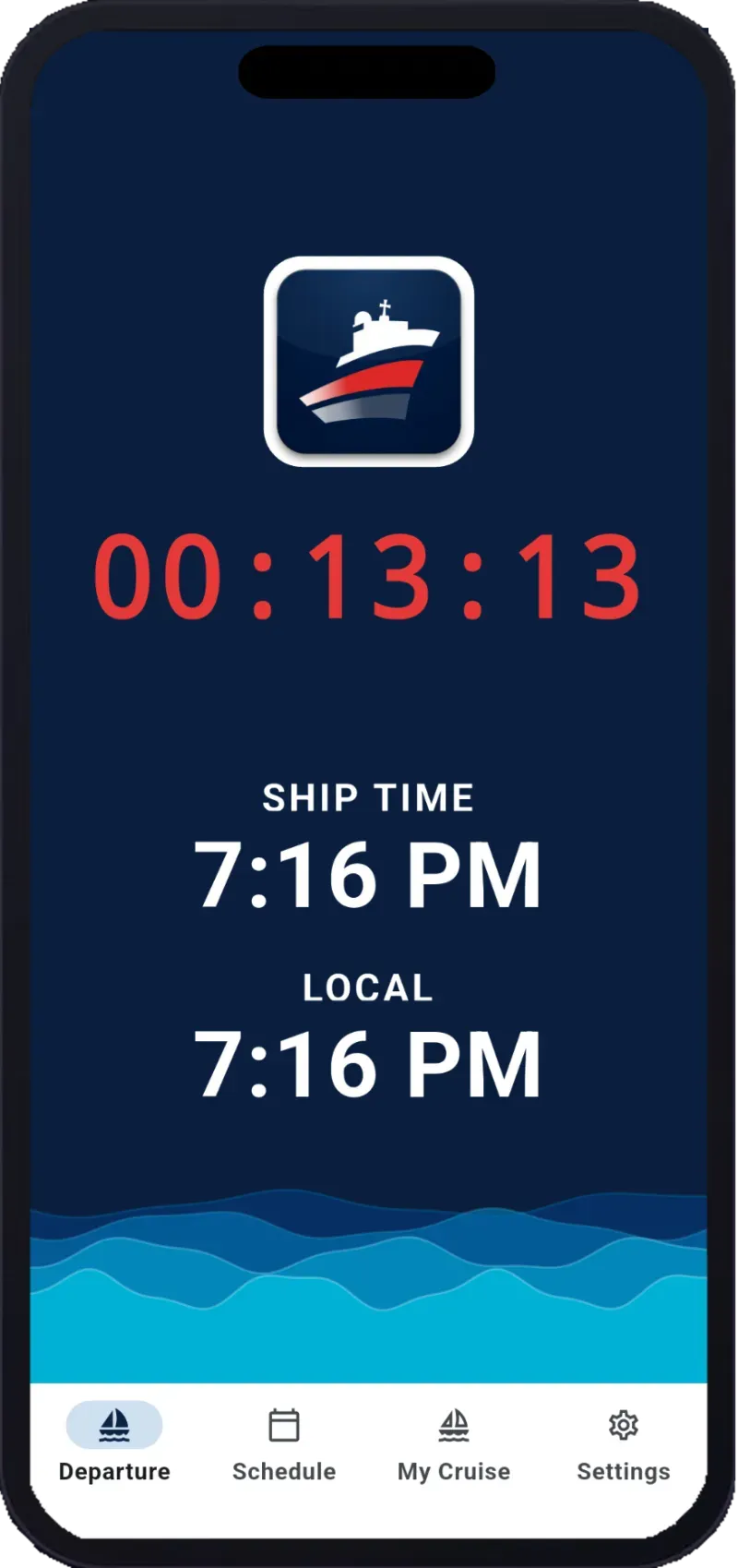
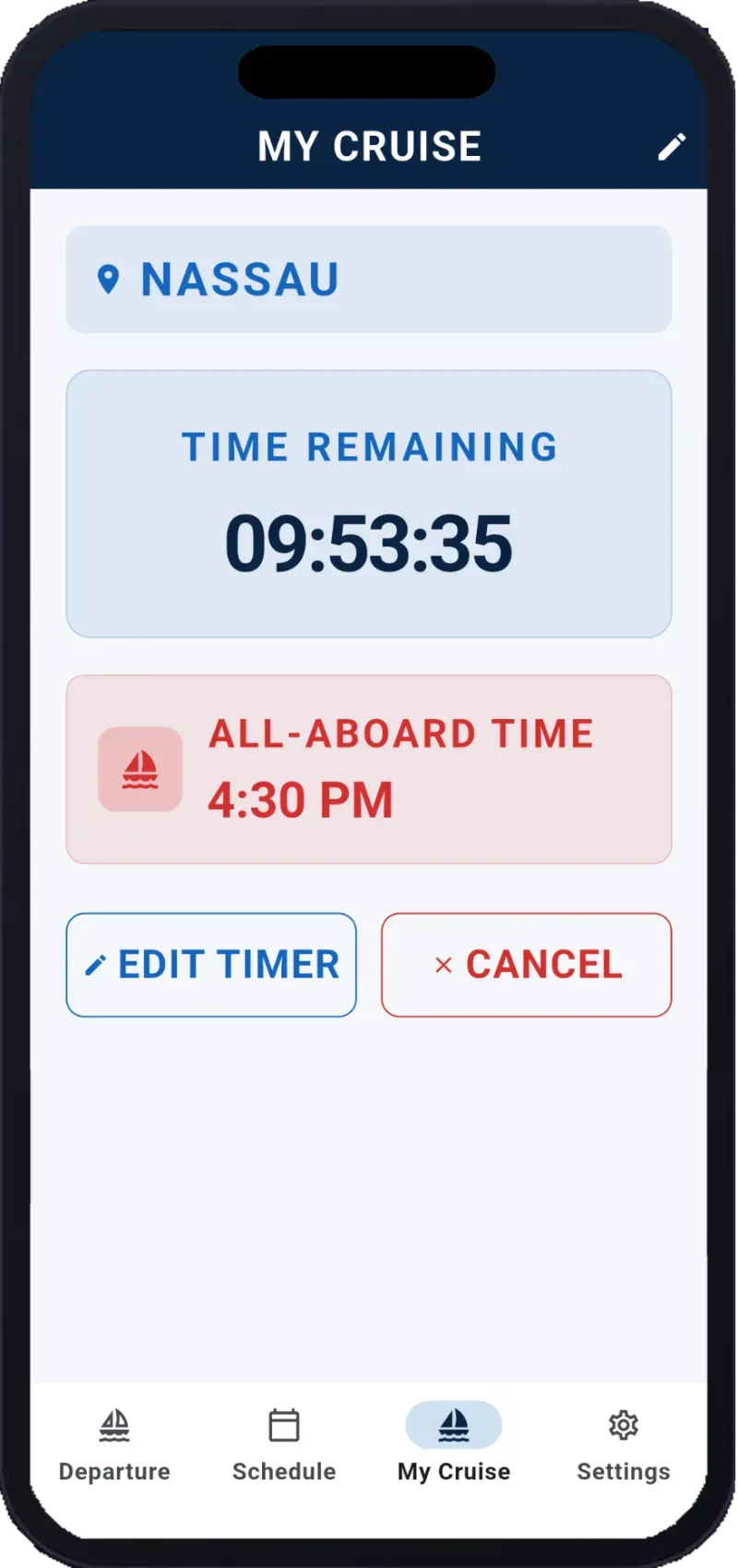
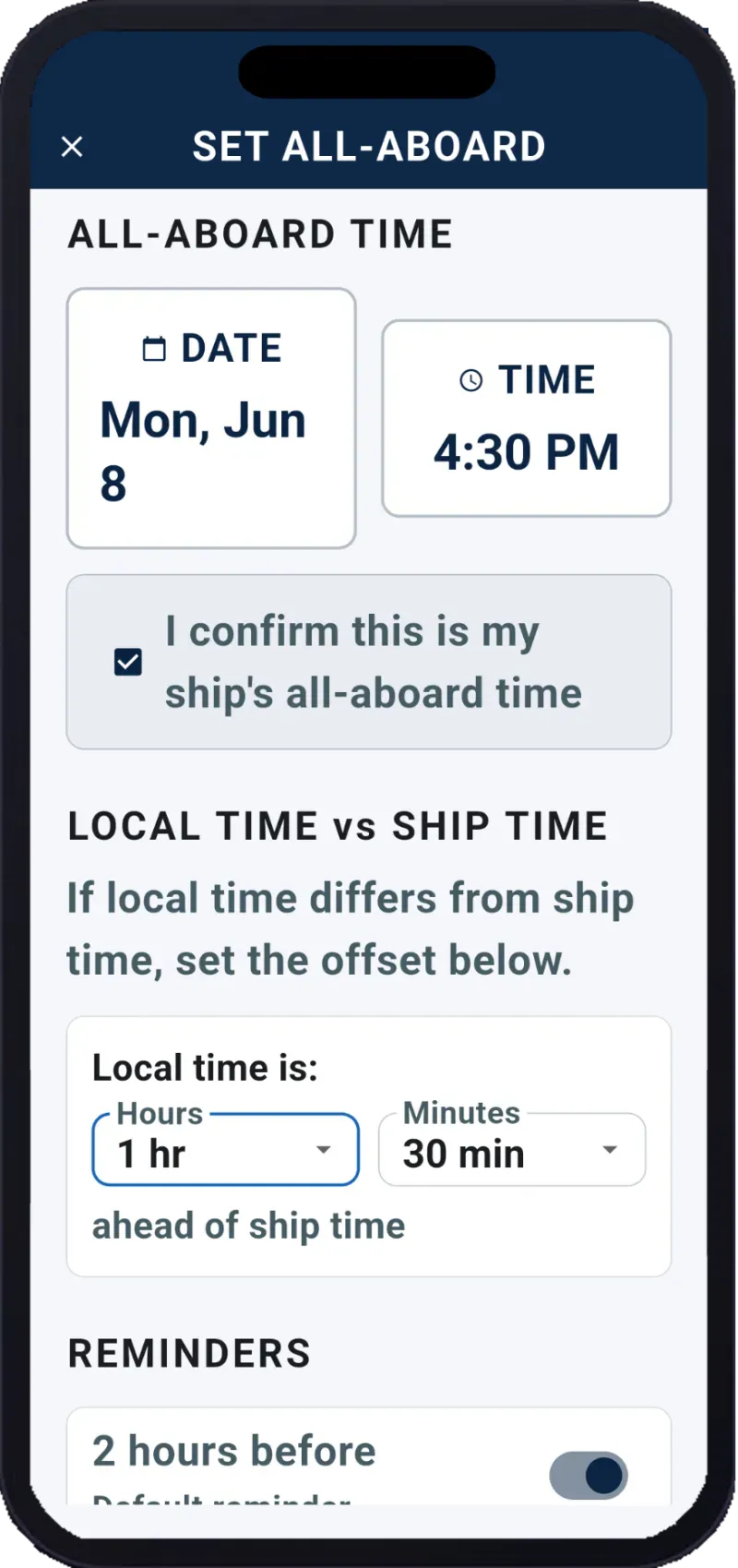
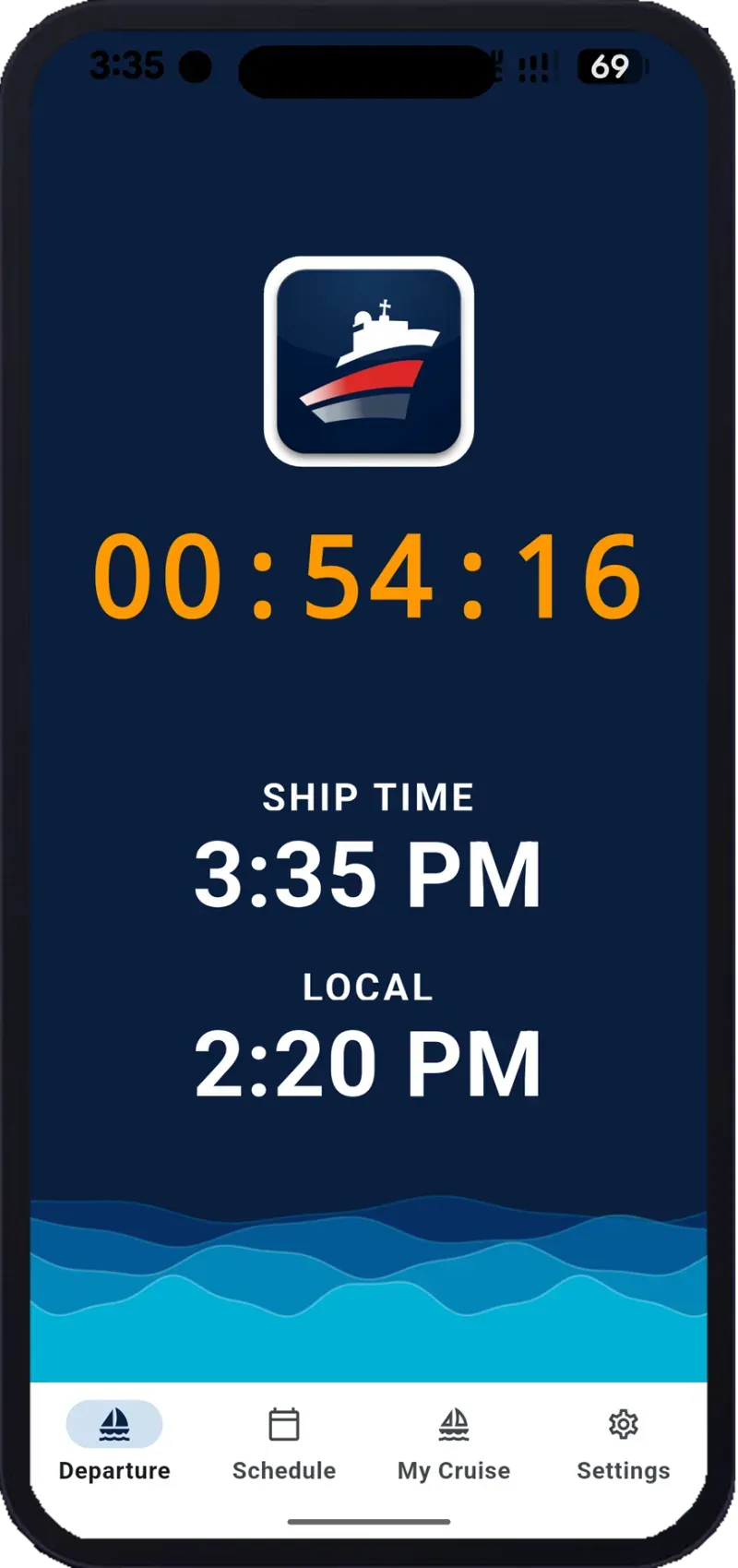
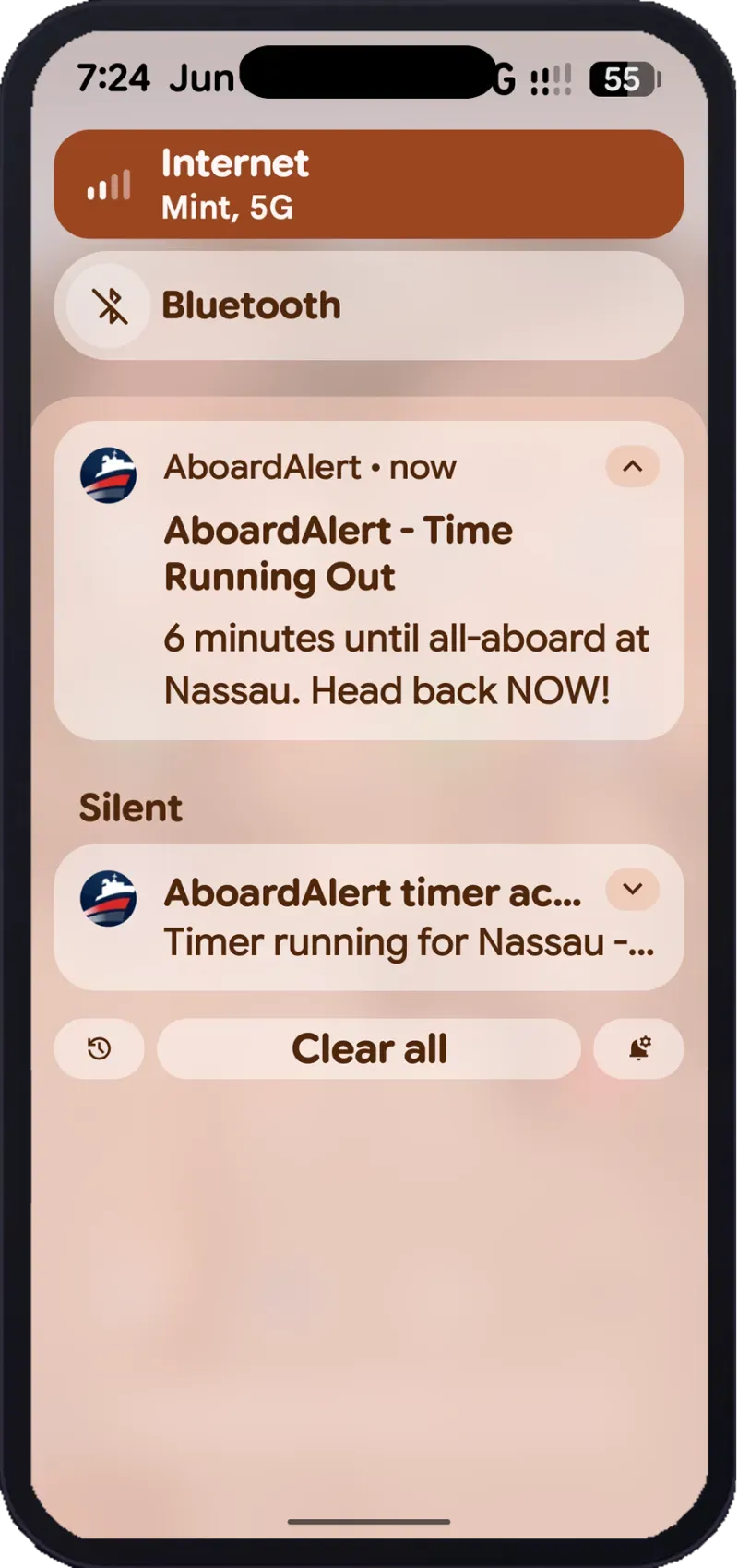
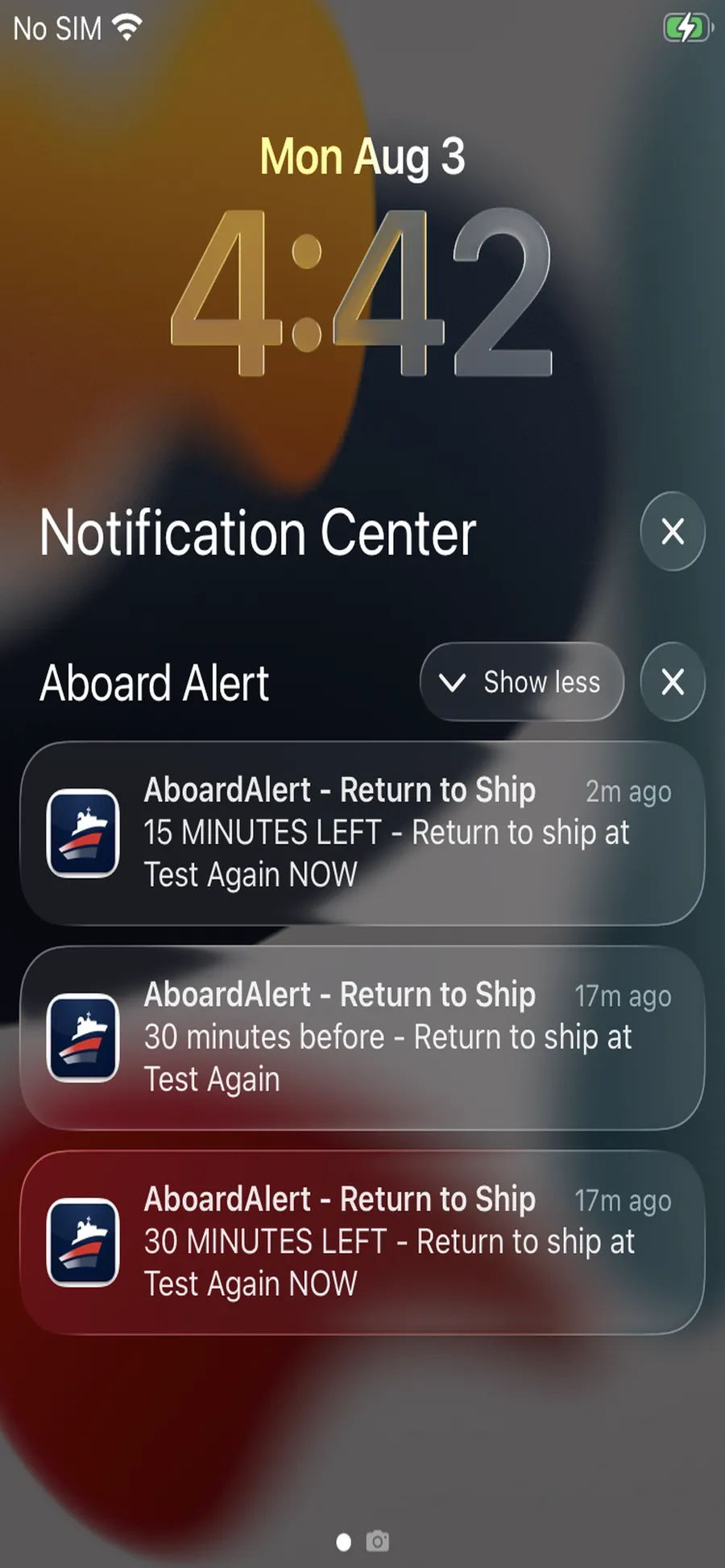
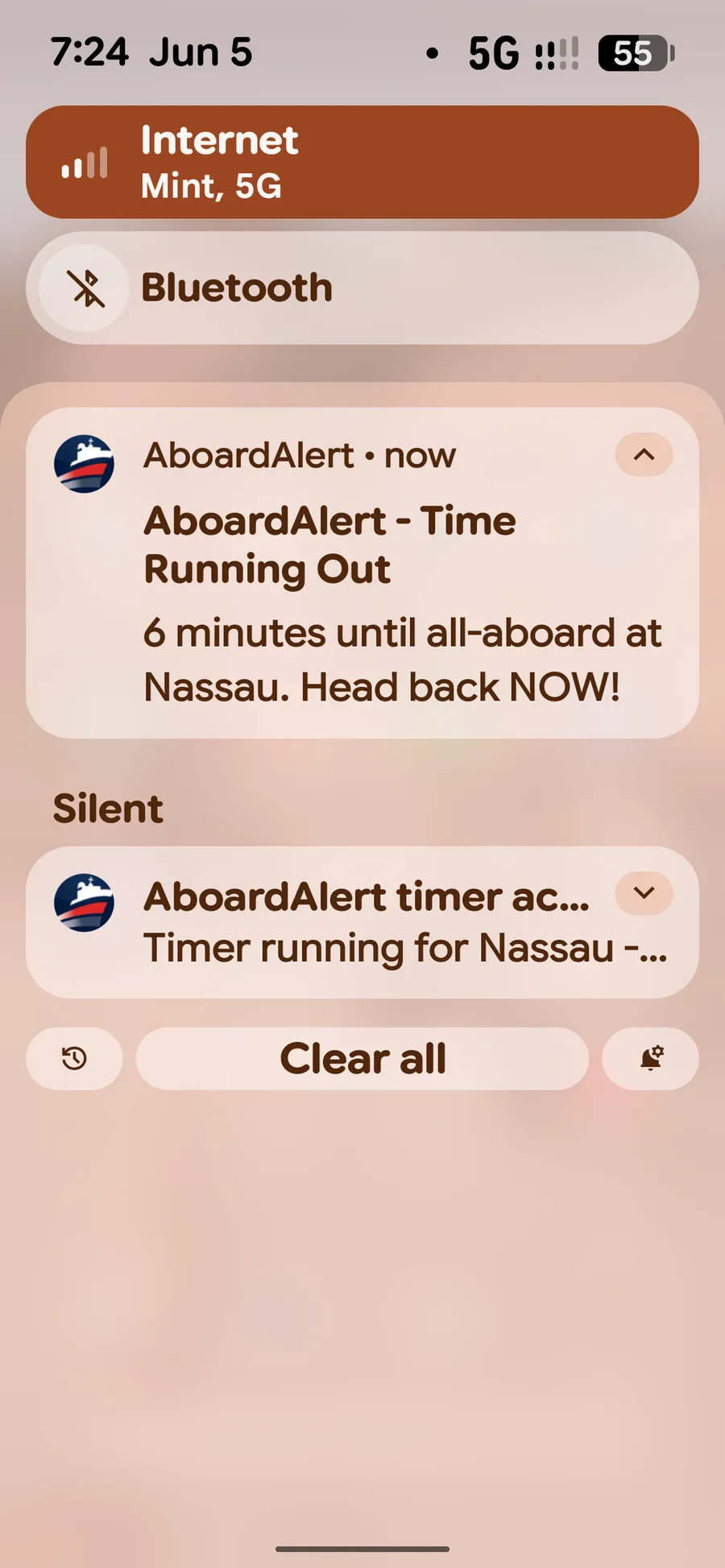
iPhone and Android. Same alert — head back now.
04 — Proof
My wife and I love cruising. On one cruise, our ship was docked in Jamaica when some passengers didn’t make it back on time. We waited more than an hour. Then the ship left without them. I still think of that day.
When you’re ashore, you should be enjoying the port, not checking your phone every ten minutes in case you miss the ship. I didn’t want to build another giant cruise-planning app. I wanted one app that does one job well: help you know when you need to be back.
AboardAlert gives you a clear all-aboard countdown and reminders. It keeps ship time separate from port time, so your alerts stay put when your phone jumps to the local time zone. No ads. Works offline once your subscription is active.
Please always check the official all-aboard time with your cruise line. No app can guarantee you’ll make the ship, but I hope AboardAlert helps you worry less and enjoy more.
— Henk, Sun Engineering
$0.99/mo or $9.99/yr.

05 — Privacy
AboardAlert never uploads your itinerary. Port days, all-aboard times, and alerts stay on the device.
Always confirm official all-aboard with ship announcements, the cruise-line planner, and crew. AboardAlert is a personal timing aid, not a substitute for official ship communications.
06 — Price
Subscription only. No free tier. No trial. Cancel anytime in your store account.
Subscribe on the App Store or Google Play. Desktop users: tap the store you use. Do not wait on a detector.
Boarding pass
Ship-time all-aboard timer
Included: ship-time countdown · 2h / 1h / 30m reminders plus safety alarms · port-day memory · offline · no ads · Family Sharing ready (iOS)
Subscription only. No free tier. No trial. Cancel in your store account.

07 — FAQ
No. You set all-aboard in ship time. Reminders stay on that clock if the phone switches to port time or another country.
Yes. Countdown and notifications run on the device. No cell signal or ship Wi-Fi required.
No. No banners, no cruise upsells, no affiliate links.
No.
$0.99 per month or $9.99 per year. Subscription only. No free trial.
No. Always confirm all-aboard with the ship. AboardAlert is a personal timer.
Both. Use the App Store button or the Google Play button on this page.
AboardAlert is the port-day timer that does not drift when your phone does.
iPhone or Android — pick your store.
Sending this to a friend? One QR sends them to the right store. It is not how you pick a platform on this page.