01
On-device OCR
The photo is not uploaded to read it.
 PhotoTextFinder
Get the app →
PhotoTextFinder
Get the app →
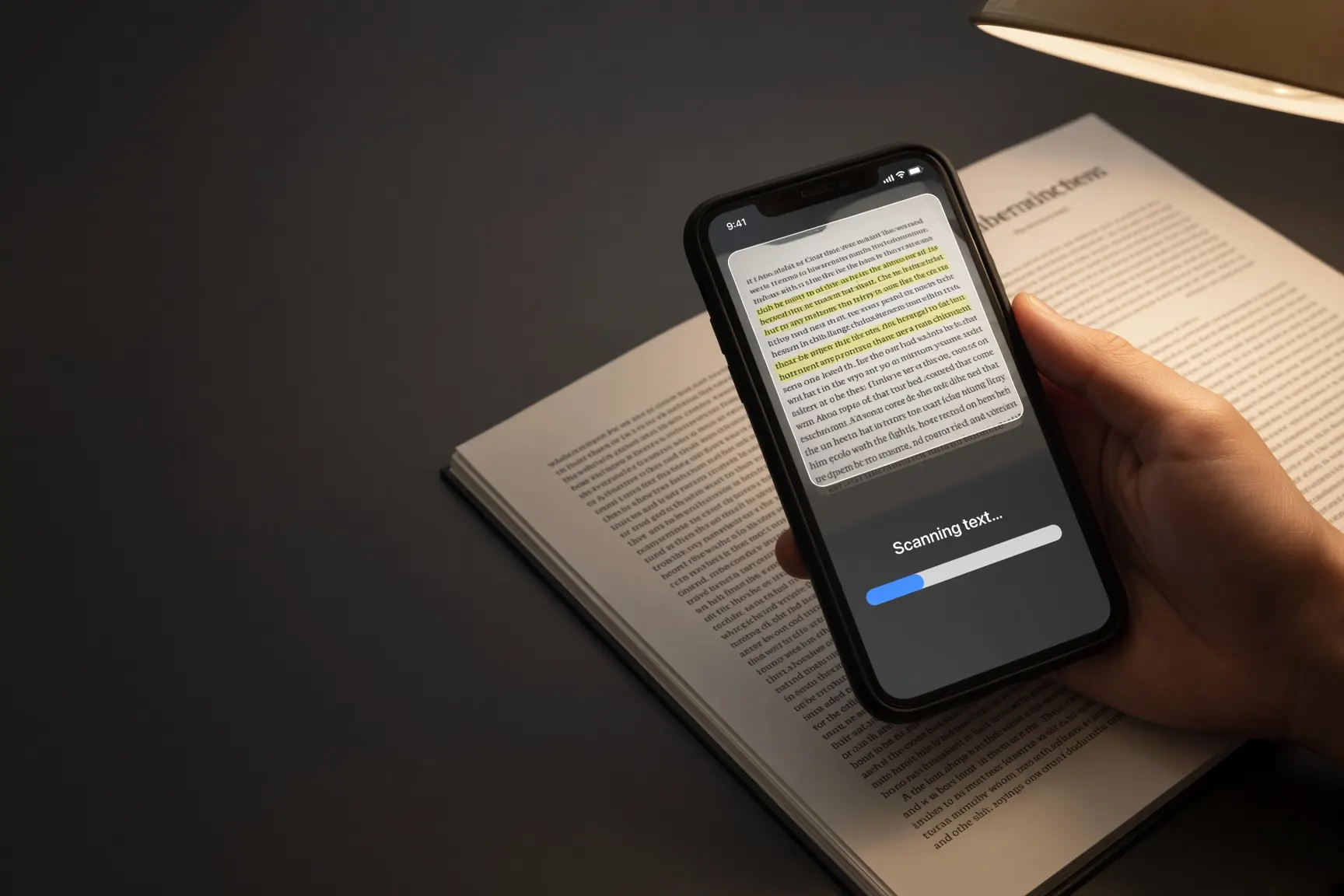
On-device OCROfflineNo ads
Text in photos,
found instantly. Not in someone else's cloud.
Point, extract, search a library of what you already scanned. Built-in camera text is fine for a sign. A bill, a contract, a whiteboard — you want a library that never left the phone.


iPhone or Android — pick your store. Detect my phone →
Launch news: App Store launch, October 2, 2026 · Google Play launch, October 7, 2026
See how it works01 — The problem
Cloud OCR is fast because it is not your phone doing the work. Fine — if you wanted the photo on someone else's disk.
PhotoTextFinder runs on the device: extract, copy, search later. Recents you can find again. No account.

02 — The job
A library of text. Not a search engine of your documents.
01
The photo is not uploaded to read it.
02
What you already scanned.
03
Find the line again.
04
Off the image, onto the clipboard.
05
A basement archive has no wifi.
06
Not on a bill.
03 — The app
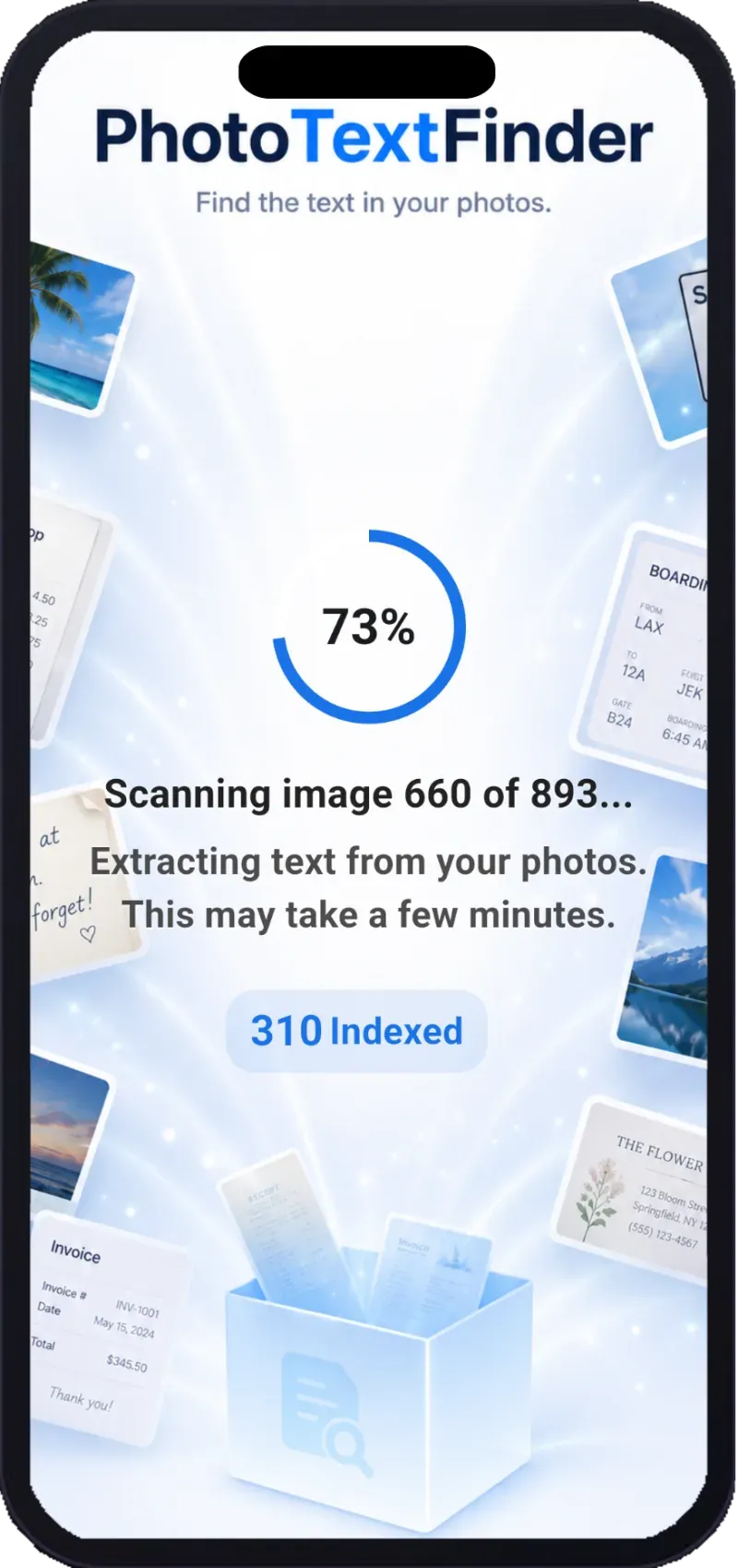
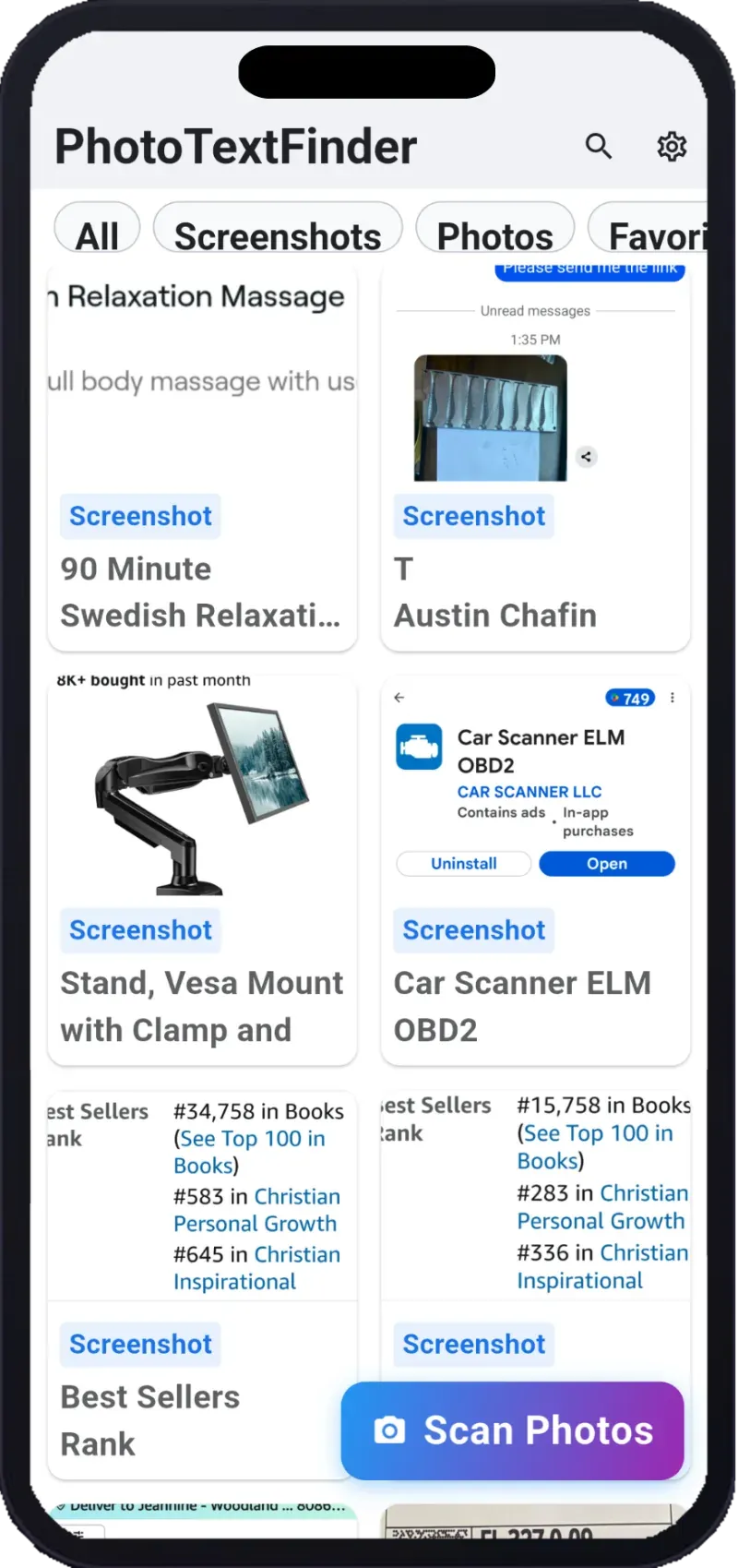
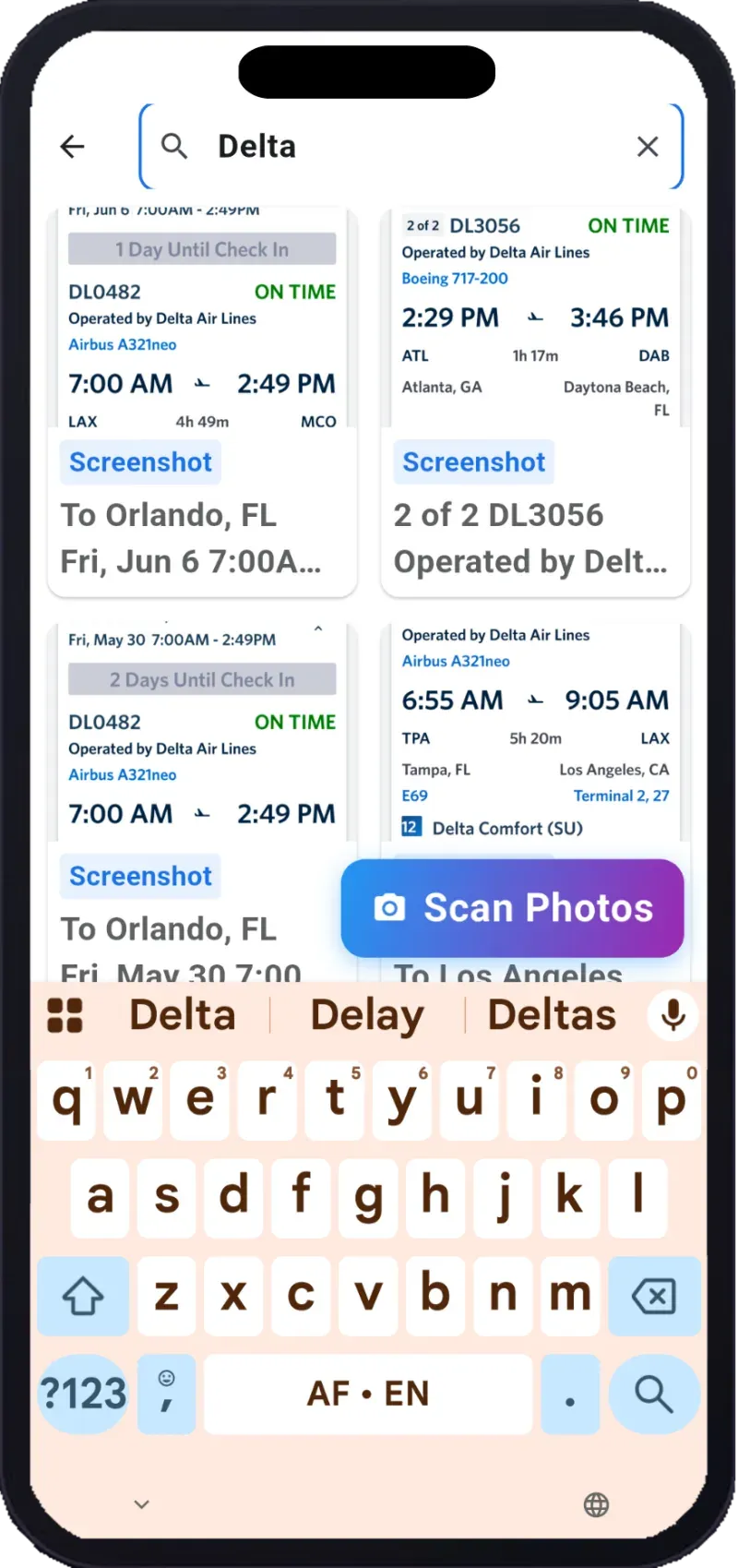
Real screens. OCR on the device. The photo stays here.

04 — Proof
05 — Privacy
A contract is not a training set.
PhotoTextFinder is a personal OCR tool. Check the text before you trust a number.
06 — Price
Subscription only. No free tier. No trial. Cancel in your store account.
Scan pass
Included: OCR · library · search · copy · offline · no ads
07 — FAQ
No. OCR runs on the device.
No. It searches what you already scanned.
Yes.
No.
$0.99 per month or $9.99 per year. Subscription only. No free trial.
Both. Use the App Store button or the Google Play button on this page.
Printed text is the point. Handwriting varies.
PhotoTextFinder is the OCR that does not need a cloud.
iPhone or Android — pick your store. Detect my phone →
Sending this to a friend? One QR. iPhone opens the App Store, Android opens Google Play.